Postman Guide
Using GraphQL Introspection in Postman
GraphQL introspection is a powerful feature that allows you to query a GraphQL server to learn about the schema it supports. This guide will show you how to use GraphQL introspection within Postman, a popular tool for API testing and development.
Setting Up Postman
Before you begin, ensure you have Postman installed. If not, download it from the official Postman website.
Creating a New Request
-
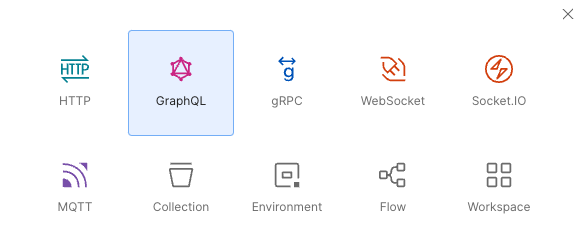
Open Postman and create a new request by clicking the "New" button and selecting "Request".
-
Choose GraphQL
-
Name your request and save it to a collection of your choice.
-
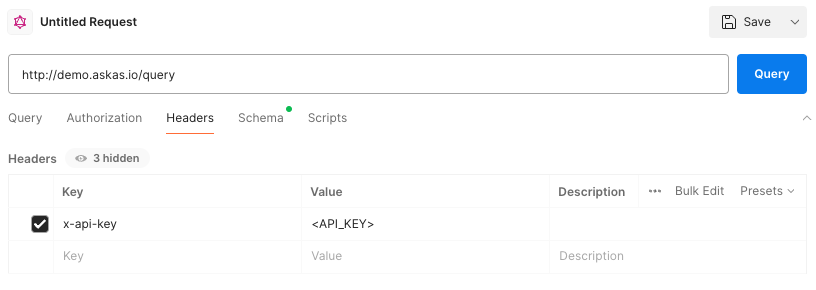
Fill in your API key under the headers tab
-
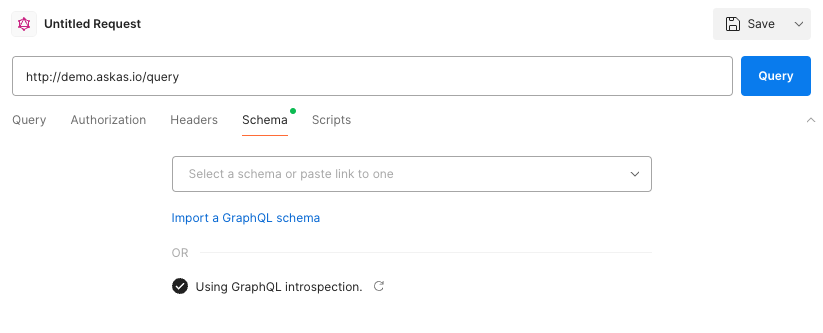
Go to schema tab and tick the box "Using GraphQL introspection", press the reload button
-
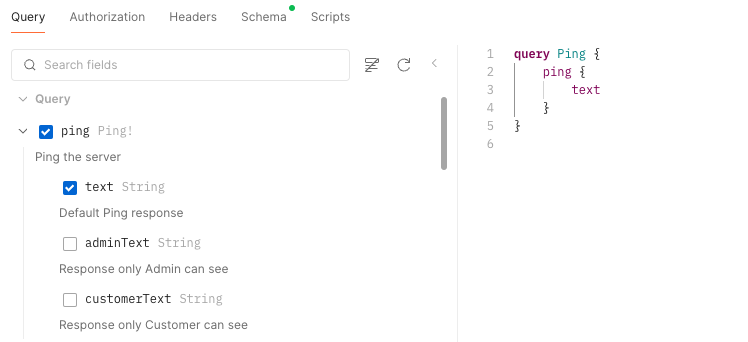
Go to the query tab and the availible querys/mutations should now be listed
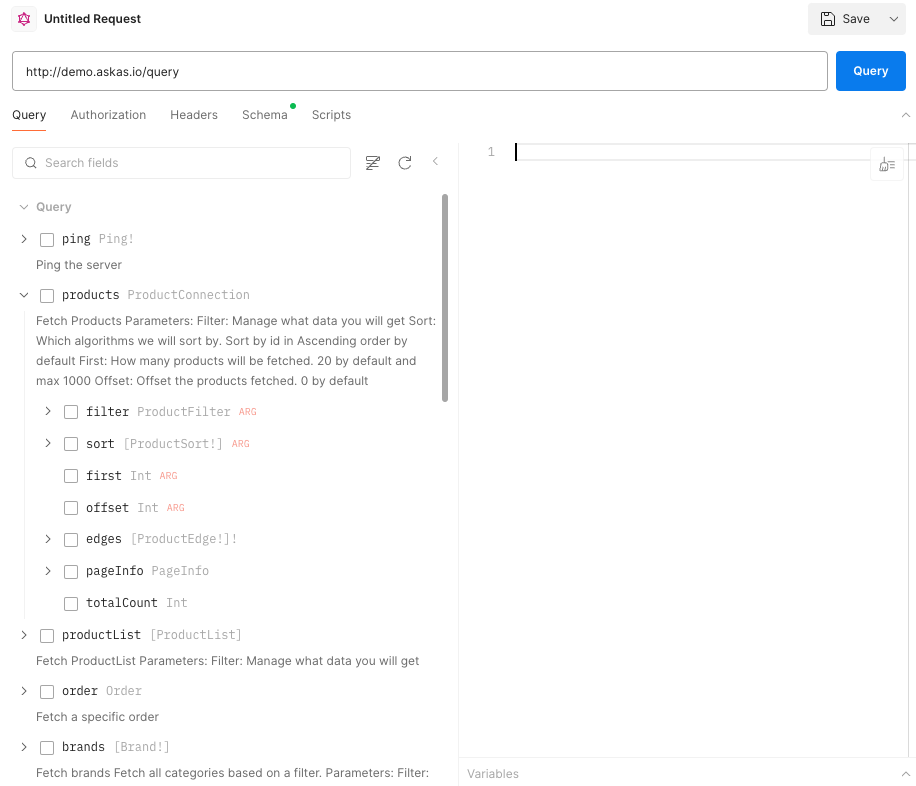
-
Tick the checkbox for a query and the query should be auto generated with the selected fields